HW5: Analytical Queries
Due: Monday, Nov 2nd
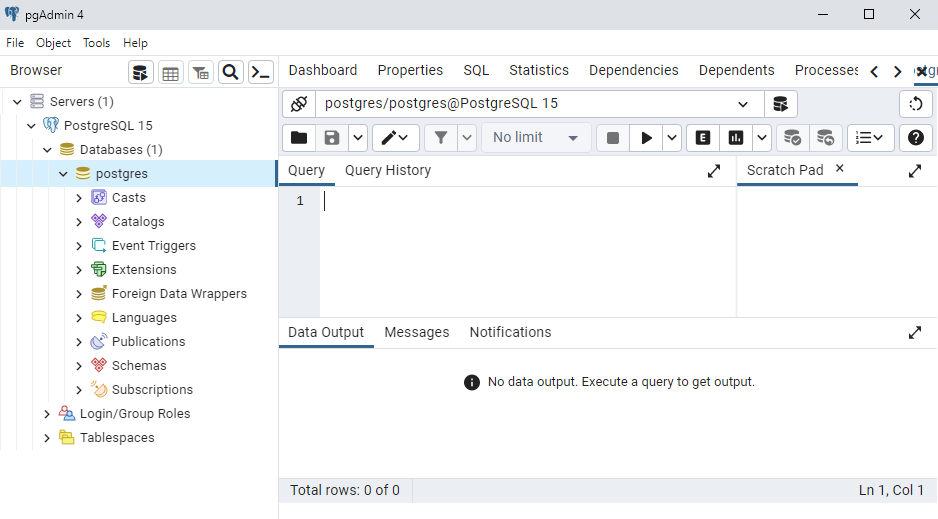
Image source:
W3Schools
This assignment practices the queries from the last three classes, on the same tpch database as the Joins on TPC-H lab.
You are given 8 queries to write, along with the expected output.
Several are simpler versions of queries from the TPC-H benchmark itself, the kind of report a business runs to make decisions.
Use pgAdmin to write and test the queries, and keep the TPC-H Schema open while you work.
Queries 1–3 use only what we covered on Oct 22, so you can start them right away. Queries 4–6 need subqueries (Oct 27), and Queries 7–8 need window functions (Oct 29).
Objectives
- Write outer joins that keep rows with no match, and self joins that compare rows of the same table.
- Combine the results of two queries with
UNION,INTERSECT, orEXCEPT. - Write subqueries in the
FROMclause and theWHEREclause. - Rank and compare rows using
OVERandPARTITION BY.
Instructions
-
Download the provided template. Read and follow the instructions at the top of the file. Each query's full description is in a comment above where your answer goes.
-
Download the solution's output. This is the output that your final queries should produce. The
Schemaline of each query gives the column names, and theOrderline gives the sort order.
lineitem has six million rows and orders has one and a half million, but every query on this assignment runs in under two seconds when written well.
If a query runs for more than about 15 seconds, cancel it and look for a missing join condition, or for a subquery in the SELECT clause that runs once per row.
Autograder Script – optional, but recommended
Download the autograder script. Gradescope will use this script to test your submission.
- Run
hw5.py(the autograder script) in the same folder ashw5.sqlandhw5-sol.txt. - Your SSH tunnel must be running if you are off campus.
- If you have trouble getting the script to run, we can help you in class or office hours.
- Or you can just submit to Gradescope over and over, and the same script will run.
- We're giving you the autograder script so you don't have to submit so many times.
Submission
Submit your hw5.sql to the HW5 assignment on Gradescope.
Your code will first be graded by Gradescope and then by the professor. The grade you receive from Gradescope is the maximum grade that you can receive on the assignment.
After the due date, the professor may manually review your code. At that time, points may be deducted for inelegant code, inappropriate variable names, bad comments, etc. Each query should use the technique named at the start of its description (for example, Query 3 should use a set operation).
Gradescope will provide you with hints but might not completely identify the defects in your submission. You are expected to test your own code before submitting.
There is no limit on the number of submissions and no penalty for excessive submissions. Points will be allocated as follows:
| Criterion | Points | Details |
|---|---|---|
| Autograder | 80 pts | Partial Credit Possible |
| Code Review | 20 pts | Partial Credit Possible |
The code review will include:
- The approach you took on each query (10 pts).
- Style and formatting of the SQL code (10 pts).